


You gotta love BMI baby.
I seriously need to get into this flight similator business, it looks quite interesting.



Results 18,891 to 18,900 of 19205
-

-
I really love the 3rd one with sun in the background. Great shots!
-
Lies. It's almost the same as the 747 LMAO.
 Originally Posted by YabbereR
 :8 Originally Posted by Chippiewill
-
08-05-2009, 03:52 PM #18894
-
09-05-2009, 01:50 PM #18895
sexy image


-
[EASY] How to enhance your Flight Simulator Screenshots
Well for this I am going to be using Photoshop CS3 with no preloaded tools.
Ill take one of my crappy images for using as an example.
Original photo:
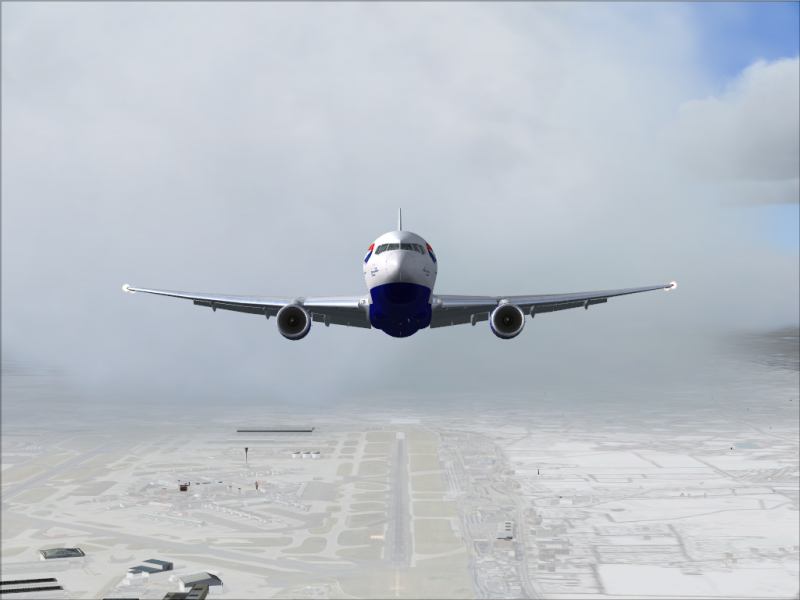
Alright, first off we are going to use the image auto adjustments, there are 3 types. Auto contrast, Auto Color and Auto Levels. Experiment with all 3, but here are the effects on the original picture from the different adjustments.
Auto Levels:
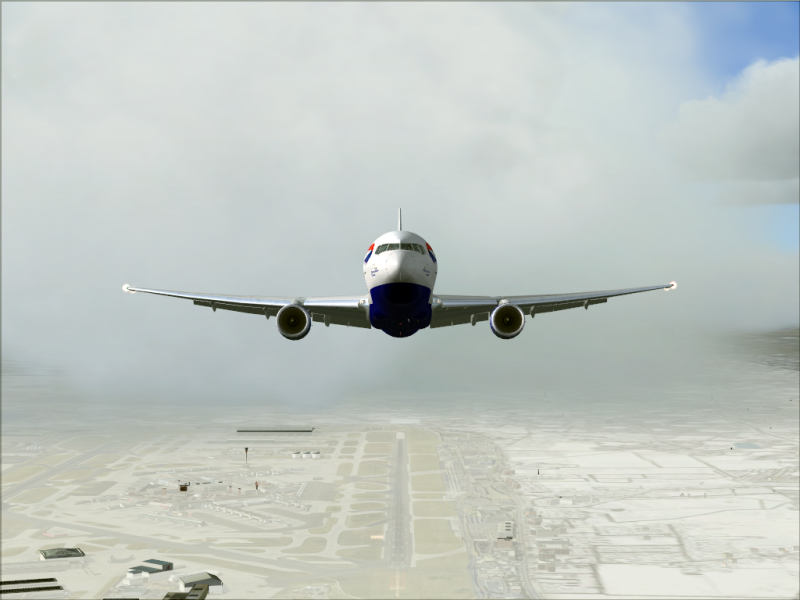
Auto Contrast:
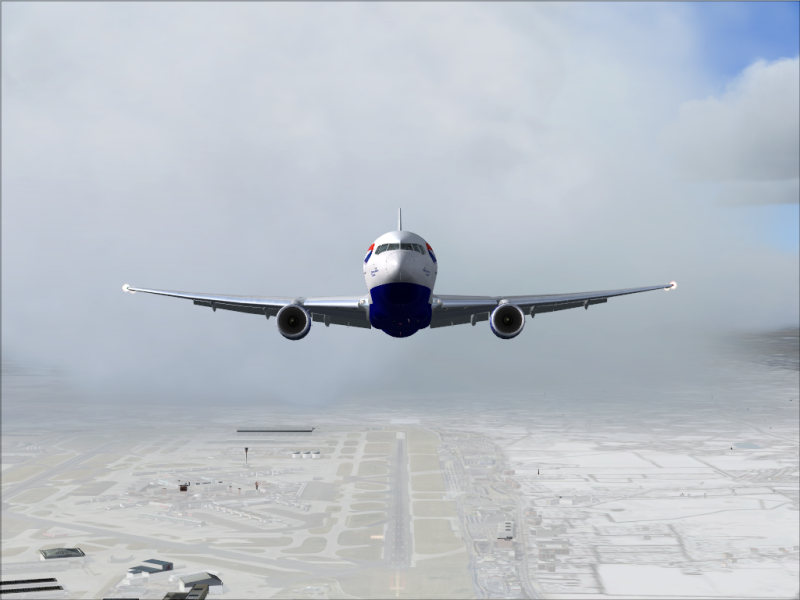
Auto Color:
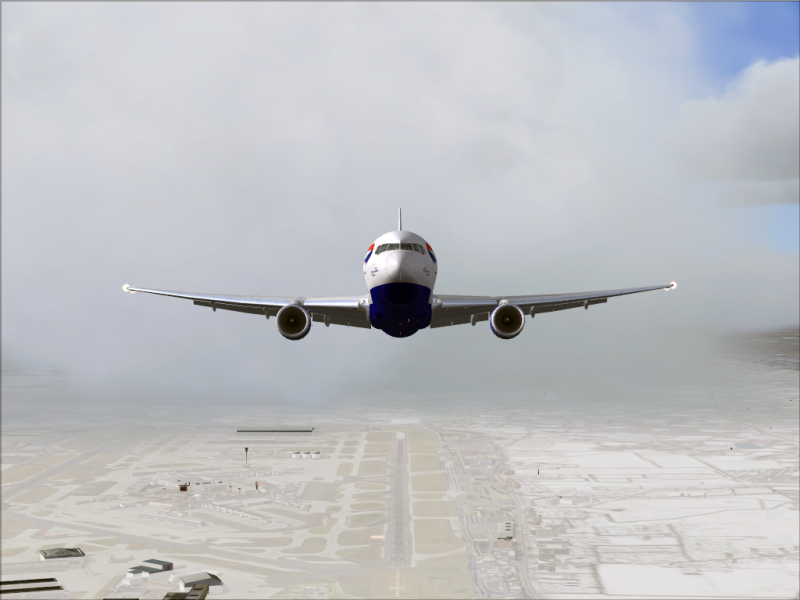
All 3 together:
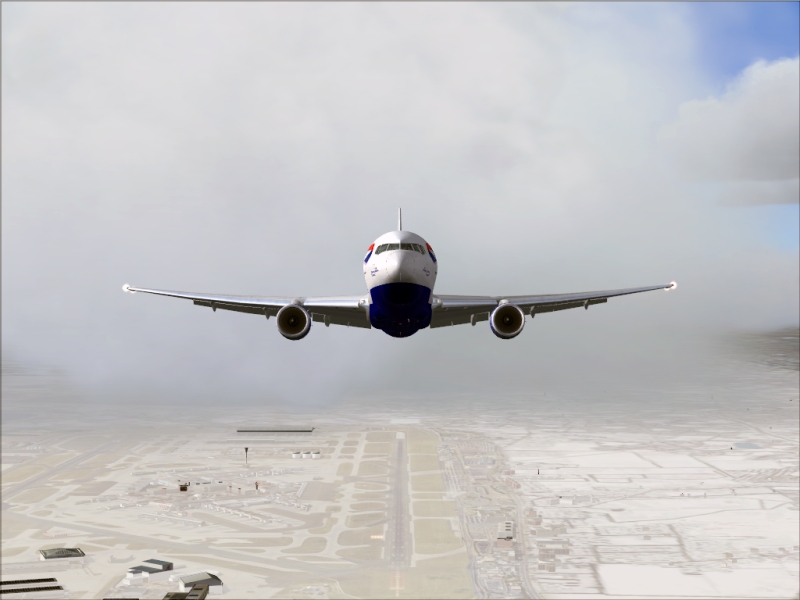
You can see clearly that these have some good effects on the original picture. (Ignore my scenery which was quite messed and showed clearly during the screenshot.)
Alright, now the next method is Hue/Saturation. (Ctrl+U) Play around with the sliders and boost your color levels a bit more. (I only use Saturation as lightness is ok and hue changes all the colors.)
I changed my saturation to about +30-40 and got this result:

The last feature im going to use is the Shadow/Highlight tool. (Image > Adjustments > Shadow/Highlight) By changing the shadows I brightened a bit of the aeroplane up and shows alot more detail. Here was my result:
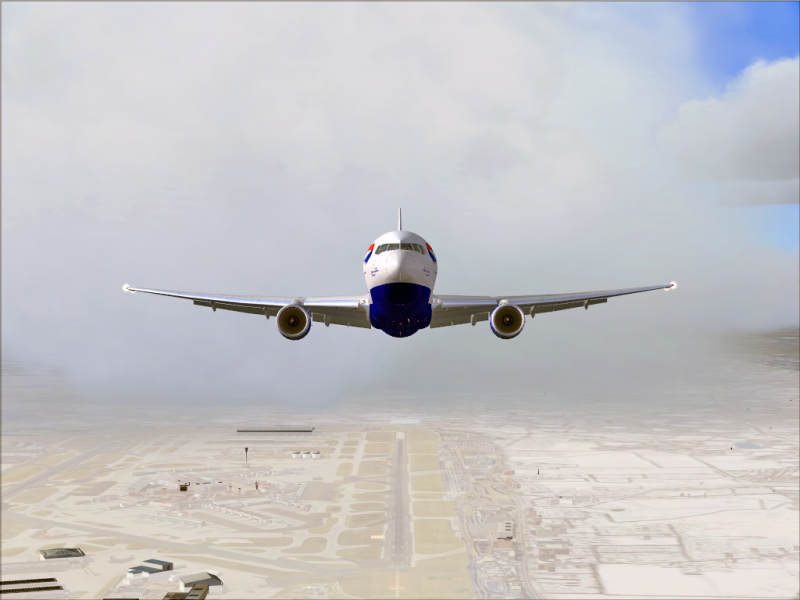
And for the very last feature im sure everybody knows of, is cropping the image to what you want to show and add a small border around the edges.
Final Image:
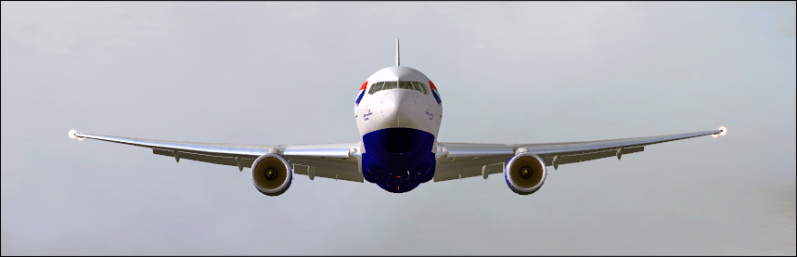
Thats all for now,
Frank.
Edit: I shouldve used the sharpen tool but didnt seem at the time as necessary. If your image is a little blurred just make the brush about 400px in size and click over your image to give a nice sharp effect to it.Last edited by Frank459; 09-05-2009 at 04:58 PM.
-
They all look basically the same..
-
-
09-05-2009, 07:35 PM #18899
-
09-05-2009, 10:01 PM #18900
 Star Alliance
SIA Star Alliance 747-400


Previous Habbox Roles
Co-Owner of Habbox | General Manager | Assistant General Manager (Staff) | Forum Manager | Super Moderator | Forum Moderator

 Reply With Quote






 First time knowing how to use AP.


 Posting Permissions
- You may not post new threads
- You may not post replies
- You may not post attachments
- You may not edit your posts